
Aug 16, 2012
I spent a few hours on art so I thought I might spend a few minutes writing about it and sharing it. The first one I worked on was 3D hair in Blender. A while back I learned how to use the Cycles render in Blender which makes very nice looking renders for 3D models made in Blender. My proof of concept was a beautiful bucket of water splashing on a cube. It worked [195kB]. So what could I do that would be more practical? Wet t-shirt contest? Not yet. Instead I've always wanted to render hair in real-time like the Final Fantasy series. I've had troubles even getting the look right. It turns out that Blender is quite good at rendering hair. My hair [296kB] looks a lot less awesome than their hair, but the physics and mesh is absolutely perfect. How did I make my hair? I took a plane and an icosphere. I subdivided the plane and moved the corners and middles outward. This makes a star shape. I moved the outer part of the star down and I moved the middle part of the star down a bit as well. Then I made the star (now almost hair) into a cloth with 80x friction. I turn the icosphere into a collision object and start the animation. When it looks right, I stop it and apply the cloth modifier. Then I turn it into a cloth again. Then I can animate the icosphere and the hair. Simple, no? I modified my samples to 40 so that it looks a little less grainy. Samples is a very important part of Cycles and can be found in the render tab under the Integrator section. If you set samples to 10000, it will take a long long time to render. Artists often set this fairly high for their end product.
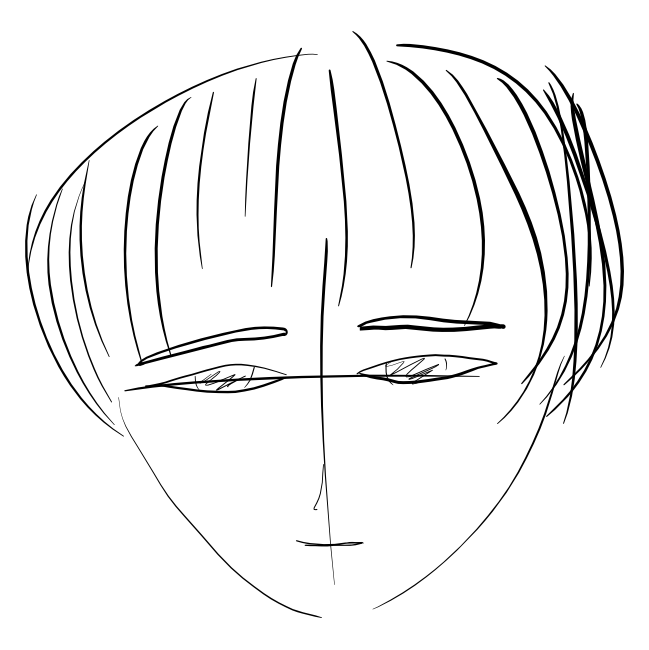
My second piece of art I worked on tonight was a simple greyscale 2d line art
sketch with my new tablet (pen tablet, not screen tablet). The sketch which was
done entirely with pen is first.
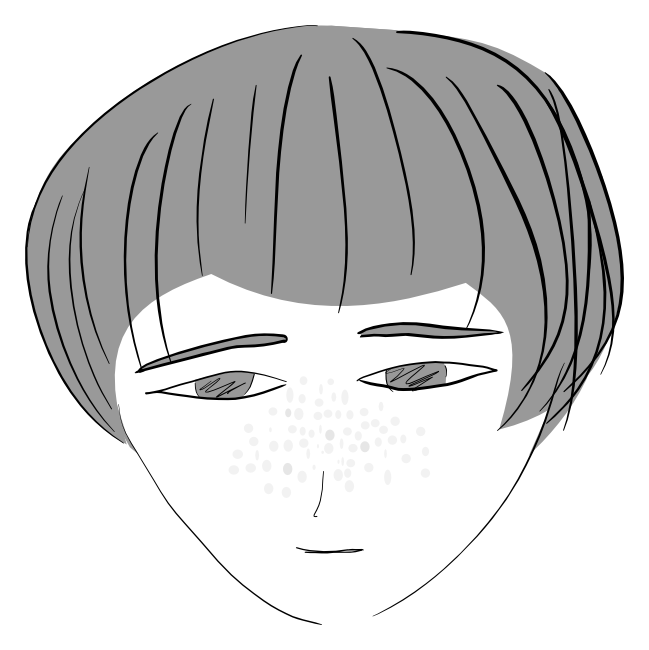
Then I cleaned up a few things with mouse and filled in the hair and skin.
Here we have another easy Java tutorial. You want to delete a file. Easy, right?
import java.io.File;

class j4vaDelete
{

        void deleteJohn() {
                String filename="john.txt";

                File file = new File(filename);
                if(file.exists()){ file.delete(); }
         }

        // public

        public static void main(String [] args)
        {
                j4vaDelete a = new j4vaDelete();
                a.deleteJohn();
        }

}
Well, it never is just that easy. What if you don't have permission to delete this file?
javac j4vaDelete.java
echo data > john.txt
chmod a-w .
java j4vaDelete
What do you expect the outcome to be? Deleted file? No. Runtime Exception? No. It does nothing. There are two ways to detect whether the file was actually deleted. The first is to check the return value. The second is after you delete a file, check whether it was deleted by checking the value of file.exists(). If that doesn't work you either have to throw an exception yourself, inform the user, or do nothing. Fun, eh? What is more fun is when you have a lot of code relying upon this deletion. What if the user accidentally uploaded a file they didn't want to display? You delete it and you say it was deleted but it doesn't actually delete.
Java's documentation of the File.delete method
Read more »This page will simply list exploits.
The main list of CVEs for Java can be found at CVE Details. Some have ended up under Oracle instead of Sun.
If you use Java on a server or on a mobile phone, there are different vulnerabilities. JBoss and Oracle Application Server are two of the most popular J2EE setups. Tomcat is by far the most popular Java server product.
Read more »

